Portable Power Station for NBN Box and Wi-Fi Router During Blackouts
Quick Specification & Sizing Overview
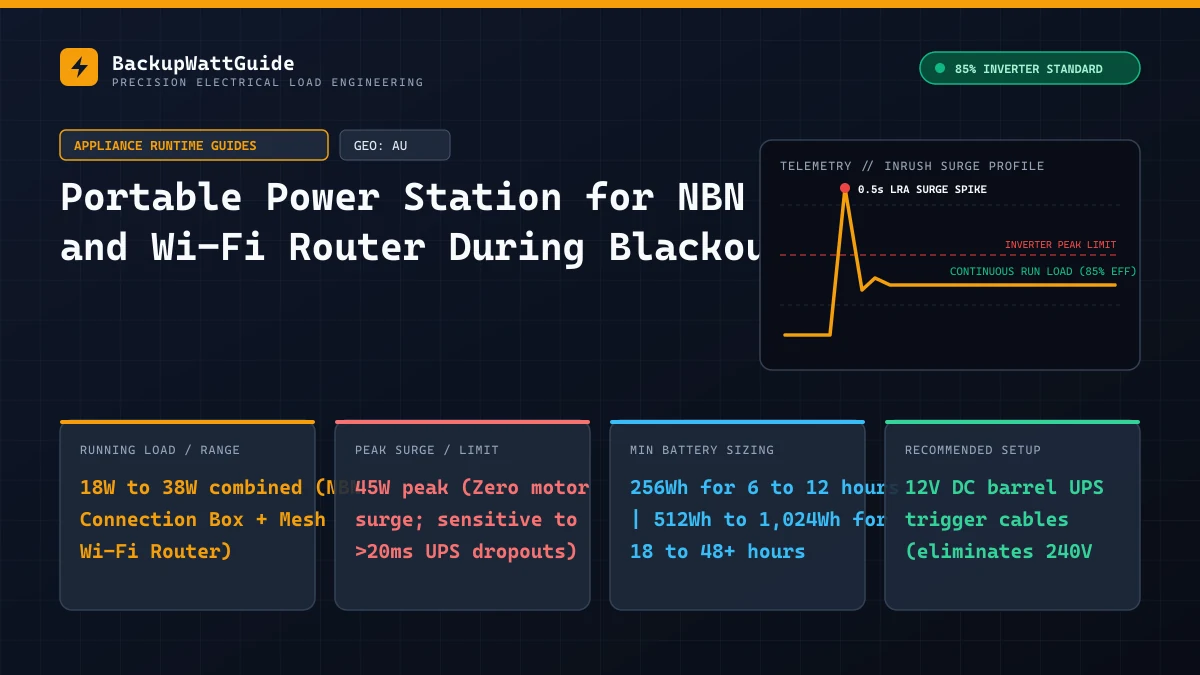
When a severe summer storm or grid load-shedding event cuts mains power across an Australian suburb, working from home, checking emergency bushfire radars, and making Wi-Fi calls stop immediately—not because the national fibre network is broken, but because the NBN Network Termination Device (NTD) and your home Wi-Fi router need continuous 240V or 12V power inside your house.
Because a combined NBN connection box and Wi-Fi router draw only 18W to 35W continuously, even a compact 256Wh to 1,024Wh portable power station can keep your home internet online for an entire day. However, before you rely on a battery box for NBN backup, you need to check two things: whether your street’s specific NBN technology type stays alive when the street poles lose power, and how to bypass your power station’s thirsty 240V AC inverter so you don’t waste half your battery capacity heating up the room.
Step 1: Check if your NBN technology type works during a street blackout
Backing up the NBN box inside your garage or study only gives you internet if the signal coming down the fibre or copper line from the street is still active. According to NBN Co’s official power outage guidelines, the six residential NBN connection types behave very differently when the street loses grid power:
| NBN Connection Type | Equipment Inside Your Home | Does the Street Network Stay Online in a Blackout? | Typical Power Draw (NBN Box + Wi-Fi Router) |
|---|---|---|---|
| 1. FTTP (Fibre to the Premises) | Wall-mounted NBN Connection Box (NTD) + Separate Wi-Fi Router | Yes (Best). Passive optical fibre needs zero street power between your house and the exchange (FAN site), which has industrial generator backup. | 22W – 32W combined (~10W NTD + ~15W Router) |
| 2. Fixed Wireless | Wall-mounted NBN WNTD + Roof Antenna (PoE) + Wi-Fi Router | Yes. NBN Fixed Wireless transmission towers have multi-hour battery and generator backup. | 25W – 38W combined (Includes PoE roof dish power) |
| 3. Sky Muster Satellite | Satellite NTD (Indoor Modem) + Roof LNB + Wi-Fi Router | Yes. Communicates directly with geostationary satellites; 100% independent of local street grid. | 32W – 45W combined |
| 4. FTTC (Fibre to the Curb) | White NBN Connection Device (NCD) + Wi-Fi Router | Yes! Your indoor white FTTC box actually sends reverse PoE power out to the telecom pit in your driveway to power the street DPU module! | 28W – 40W combined (Higher draw due to reverse pit power) |
| 5. HFC (Hybrid Fibre Coaxial) | Black Arris CM8200B NBN Cable Modem + Wi-Fi Router | Sometimes (2 to 4 Hours). Coaxial street amplifiers require power; street nodes have small backup batteries that die in extended outages. | 24W – 34W combined |
| 6. FTTN / FTTB (Fibre to the Node / Basement) | Single VDSL2 Modem-Router plugged into phone wall socket | Rarely. Green street FTTN cabinets lose power when the local street transformer fails once cabinet batteries drain. | 14W – 20W (Single device) |
Look at FTTP, FTTC, Fixed Wireless, and Satellite: in all four setups, providing backup battery power inside your home keeps your internet running! Even on FTTC (Fibre to the Curb), where a Distribution Point Unit (DPU) sits inside the concrete Telstra pit on your nature strip, your indoor NBN box feeds 48V DC power backward down the copper phone line into the street pit—meaning plugging your indoor FTTC box into a portable power station wakes up the street pit for your connection.
240V AC vs. 12V DC runtime comparison (Why the AC button kills small batteries)
Suppose your NBN Connection Box draws 10 Watts and your Wi-Fi 6 router draws 12 Watts, giving a combined continuous load of 22 Watts.
If you plug both black wall-wart power bricks into a power board connected to the 240V AC outlet on a portable power station, here is what happens inside the battery:
- Your power station has to run its main 240V pure sine wave inverter 24 hours a day.
- Just keeping that high-voltage 240V inverter switched on burns 14W to 20W per hour in internal parasitic idle heat, plus a 15% conversion loss.
- Instead of pulling 22W from your battery cells, your setup actually pulls to every hour—cutting your blackout runtime nearly in half!
Compare how long three popular portable power station sizes run an NBN Box + Wi-Fi Router (22W load) on 240V AC Outlets versus 12V DC Direct Barrel Cables:
| Power Station Size | Connection Method | Total System Draw (With Idle Losses) | Continuous Blackout Runtime (Hours) | Extra Hours Gained by Using 12V DC |
|---|---|---|---|---|
| Compact 256Wh Station (EcoFlow River 2/3, Bluetti EB3A) | 240V AC Outlets | ~37 Wh/hr | 5.9 Hours | — |
| Compact 256Wh Station | 12V DC Barrel / USB-C Trigger | ~24 Wh/hr | 9.8 Hours | +3.9 Hours (+66%) |
| Mid-Size 512Wh Station (River 2 Max, Anker C800, Jackery 500) | 240V AC Outlets | ~38 Wh/hr | 11.5 Hours | — |
| Mid-Size 512Wh Station | 12V DC Barrel / USB-C Trigger | ~24 Wh/hr | 19.6 Hours | +8.1 Hours (+70%) |
| Full-Size 1,024Wh Station (DELTA 2, Bluetti AC180, Anker C1000) | 240V AC Outlets | ~42 Wh/hr | 20.7 Hours | — |
| Full-Size 1,024Wh Station | 12V DC Barrel / USB-C Trigger | ~24.5 Wh/hr | 38.4 Hours | +17.7 Hours (+85%) |
Test your own router and NBN box wattage in our interactive calculator below. To see your 12V DC runtime, change the Inverter Idle Draw (W) box from 18 down to 2:
Real-World Battery Runtime Calculator (85% Inverter Efficiency)
How to run your Wi-Fi router and NBN box on 12V DC (Zero-Inverter Setup)
Check the fine print on the plastic power brick of your Wi-Fi router and your black Arris HFC NBN modem (or Telstra Smart Modem): almost every consumer router and HFC modem runs on 12V DC at 1.5A to 2.5A using a standard 5.5mm x 2.1mm (or 5.5mm x 2.5mm) center-positive DC barrel plug.
Instead of converting your power station’s 12V DC battery up to 240V AC and then immediately stepping that 240V AC back down to 12V DC through a wall wart, you can feed clean 12V DC straight into your router using two simple cords:
1. For Wi-Fi Routers & HFC Modems: USB-C PD to 12V DC Trigger Cable (or DC5521 Lead)
- If your power station has built-in 12V DC5521 barrel ports (the two round 12V sockets found on the front of Bluetti EB3A/EB70S, EcoFlow River, and Anker stations): Buy a $9 male-to-male DC 5.5x2.1mm barrel cable and plug one end into the power station’s 12V DC5521 output port and the other end straight into the back of your Wi-Fi router.
- If your power station only has USB-C ports and a 12V car cigarette socket: Buy a $12 “USB-C PD to 12V DC 5.5x2.1mm Trigger Cable”. Inside the USB-C plug sits a tiny PD negotiation chip that asks your power station’s 60W/100W USB-C port to output a locked, regulated 12.0 Volts DC at up to 3 Amps. It powers your router silently with the 240V inverter turned completely off!
2. Important Voltage Warning for FTTP Wall Boxes (12V 8-Pin Molex Plug)
If you have Fibre to the Premises (FTTP), the beige or white NBN Connection Box bolted to your garage or study wall does not use a round barrel plug—it uses a white 240V IEC C7 “Figure-8” power cord (on newer Gen 2 boxes) or an external power supply feeding a multi-pin green/white Molex plug.
- Never cut or splice the wiring attached to a fixed NBN Co wall enclosure, as the NTD remains the legal property of NBN Co.
- For an FTTP wall box or FTTC reverse-power box with a 240V figure-8 cord, plug the NBN box into the 240V AC outlet on your power station, and move your Wi-Fi router, laptop, and phones over to the USB-C PD and 12V DC ports so all your personal devices run at 92%+ DC efficiency.
Setting up your power station as a 24/7 automatic NBN UPS
Can you leave a portable power station plugged into the wall outlet behind your TV cabinet 365 days a year with your NBN box and Wi-Fi router plugged into the station so your Zoom call doesn’t drop when the grid flickers?
Yes—if you follow these three UPS hardware rules:
- Check Your Station’s EPS/UPS Switchover Milliseconds:
- 20ms to 30ms Switchover (Entry-Level EPS, e.g., EcoFlow DELTA 2 / River 2): When grid power cuts out, the mechanical relay takes up to 20–30 milliseconds to swing over to inverter power. Most NBN boxes stay on, but certain sensitive mesh routers (like Netgear Orbi or Asus ZenWiFi) may briefly drop power and take 90 seconds to reboot.
- 10ms Switchover (True Desktop UPS Class, e.g., EcoFlow River 3 / DELTA 3, Anker SOLIX C300/C800): Switches in under 10 milliseconds—neither your NBN box, Wi-Fi router, nor desktop PC will ever reboot.
- 0ms Switchover (12V DC / USB-C Ports): Any device powered through the 12V DC or USB-C ports of your power station experiences zero milliseconds of interruption when the wall outlet loses power, because DC ports draw directly off the battery bus rather than the AC bypass relay!
- Set Charge/Discharge Limits to 15%–90% for 24/7 Wall Connection: If you leave a LiFePO4 station plugged into the wall 24/7 as an NBN UPS, open the Bluetooth app and set the Charge Upper Limit to 90% (and recalibrate to 100% once every three months using our guide on stopping at 99% charge during BMS calibration).
- Disable AC & DC Auto-Timeout (ECO Mode): When everyone in your house goes to sleep and stops streaming video, your Wi-Fi router and NBN box drop their combined power draw to as little as 14 Watts. If ECO Mode is left turned on, your power station will think nothing is plugged in and shut off your internet at 3:00 AM! Set both AC Timeout and DC Timeout to Never in the companion app. (And if you also need to boil a morning cuppa on the same battery during a summer blackout, check our test data on running a 240V Australian kettle on a 1500W power station).
# Frequently Asked Questions
Does the NBN network still work in my street when the neighbourhood power goes out?
It depends on your NBN technology type. Fibre to the Premises (FTTP) and Fixed Wireless almost always stay active for hours or days during a local street blackout because fibre exchanges and wireless towers have heavy diesel and battery backup. Fibre to the Node (FTTN) and Fibre to the Curb (FTTC) rely on street cabinets or pit DPU modules that may go dark if the outage takes out the street node after its internal backup battery depletes.
Will a portable power station with a 20ms EPS/UPS switchover keep my NBN box and Wi-Fi router from rebooting when the power cuts out?
Most NBN Network Termination Devices (NTDs) and consumer Wi-Fi routers have small smoothing capacitors inside their 12V wall warts that hold voltage for 15ms to 25ms. A power station with a 10ms to 15ms UPS switchover (like newer Anker SOLIX, Bluetti, or EcoFlow River 3/DELTA 3 units) usually switches fast enough to prevent a reboot, whereas a 20ms to 30ms switchover may cause the router to restart for two minutes. Using the 12V DC output port with a 12V-to-12V barrel cable provides a 0ms switchover.
Why did my 500Wh portable power station run out of battery in 12 hours when my NBN box and router only use 20 Watts?
When you plug your NBN box and router into the 240V AC sockets on a portable power station, the station's internal 240V inverter consumes 12W to 20W per hour in continuous idle overhead—effectively doubling your 20W router load to 40W. Powering both devices from the 12V DC ports (or USB-C PD ports with 12V trigger cables) turns off the 240V inverter and doubles your runtime from 12 hours to over 24 hours.
Lead Technical Electrical Editor
Peer-ReviewedPower Systems Analyst & Backup Power Specialist
All technical guides and electrical sizing benchmarks are calculated using standard Nameplate Full Load Amps (FLA), Locked Rotor Amps (LRA) surge models, and an empirically verified 85% Inverter Power Factor & Conversion Efficiency model.